top of page
The Creator CLASSROOM


How to Delete Unused Files in Wix Without Breaking Your Website
If you've had a Wix website for a long time, there's a good chance your storage contains files you haven't thought about in years.
I've used Wix for many years and have built more than one website on the platform. During that time, I've uploaded images, music, videos, documents, digital products, blog graphics and all kinds of other files. Eventually, some of those files stop serving a purpose.
The problem is that once you've accumulated years of media, deleting it can

Teacher Nine
Sep 16 min read


How to Transfer OBS to Another Computer Without Starting Over
Eventually, if you stream long enough, you’re probably going to have to move OBS to another computer.
Maybe you finally upgraded your streaming PC. Maybe your old computer is on its last legs. Maybe something crashed and forced the issue. Or maybe you’ve simply reached the point where your current setup isn’t keeping up with what you’re trying to do anymore.
Whatever the reason, getting the new computer is the fun part. Moving everything over? Not so much.
Teacher Nine
Sep 17 min read


How to Resize in Canva Without Starting Your Design Over (With Screenshots)
Canva provides preset dimensions for common formats, so you don't necessarily need to memorize the correct pixel dimensions for every type of content you're creating. You can select the format you need or enter custom dimensions when you already know exactly what size you're after. Canva's resizing tools support both preset sizes and custom dimensions.
This becomes especially useful when you're repurposing one design across several places.
Teacher Nine
Aug 274 min read


How to Set Up Twitch Vertical/Horizontal Dual Format Streaming in OBS (Step-by-Step Guide)
Twitch streaming has evolved far beyond a single horizontal layout. Viewers are now split between traditional desktop watching and mobile-first discovery, which means creators need setups that work in both directions at the same time.
That’s where dual format streaming comes in.
With the right OBS setup, you can broadcast a horizontal stream for traditional viewers while simultaneously pushing a vertical canvas for mobile audiences. This allows you to stay discoverable
Teacher Nine
Jun 285 min read


How to Make Faceless YouTube Videos in 2026 (Complete Beginner Guide)
“Faceless YouTube video creation workflow using AI tools”
“Step by step faceless YouTube channel setup for beginners”
“Whiteboard animation video example created with AI software”
“InstaDoodle AI tool generating animated explainer video” lot of beginners assume faceless channels are harder to monetize, but the opposite is usually true when the system is built correctly.
The money doesn’t come from being on camera. It comes from the content structure.
Most faceless chan
Teacher Nine
Jun 286 min read


What Is SEO and How It Works (A Real Beginner Story From Experience)
SEO stands for Search Engine Optimization, but the idea is simple.
Search engines like Google, YouTube, Amazon, and even TikTok all work the same way. They try to match what a person is searching for with the most relevant content available.
But search engines are not human. They don’t “understand” content the way we do. They rely on signals:
Keywords
Titles
Headings
Links
Metadata
Content structure
User engagement
Teacher Nine
Jun 94 min read


OBS Not Detecting Your Camera? Here's How To Fix It
Maybe you're setting up a drawing stream and want your audience to see both your face and your artwork at the same time. You spend time getting the lighting just right. One camera is pointed at you, the other is positioned perfectly over your sketchbook. Everything looks ready to go.
Then OBS decides it only wants to recognize one camera.
I've run into this problem more times than I'd like to admit. In fact, most of the time OBS has no problem detecting a single webcam.
Teacher Nine
Jun 84 min read


Capture Card Not Detected In OBS? 11 Fixes That Actually Work!
You plug in your capture card, launch OBS Studio, add a Video Capture Device source...
...and nothing happens.
No signal. No image. Your card is not being detected by OBS.
Whether you're trying to capture a gaming console, DSLR camera, second PC, or another video source, a capture card that refuses to appear in OBS can quickly turn a streaming session into a troubleshooting marathon.
Teacher Nine
May 305 min read


Discord Roles Explained: How to Assign Roles and Permissions
A lot of newer server owners launch a Discord server and leave everyone with the exact same permissions. At first, that might seem fine. But as the server grows, problems usually start showing up. Members can access channels they probably shouldn’t. Moderators don’t have the tools they need to manage conversations. Important announcements get buried. Private areas become impossible to organize. Eventually, the entire server starts feeling messy and hard to navigate.
Teacher Nine
May 245 min read

Twitch Guru’s Random Clip Player: Turn Your Stream Into a Living Highlight Reel
If your stream ever goes quiet for even 30 seconds, you’re already losing momentum.
Not because silence is bad, but because modern viewers are trained to expect constant motion. Something happening. Something reacting. Something alive.
That’s where Twitch Guru’s Random Clip Player quietly becomes one of the most underrated tools in your entire streaming setup.
It turns your “dead air” moments into a looping highlight machine that keeps your stream visually active even
Teacher Nine
May 244 min read


Your Stream Looks Good. Does It Sound Good? Make Your Stream Sound Professional with OBS Audio Ducking
When somebody clicks into your stream, their ears start judging everything immediately. You can have an incredible setup visually, but if your background music is fighting your microphone every time you speak, the entire production starts to feel messy. Audio balance matters more than a lot of streamers realize. One of the easiest ways to instantly improve your stream’s production quality is by learning how to use a feature called ducking.
Teacher Nine
May 235 min read


How to Effectively Archive Your Discord Channels Without Losing Valuable History
This guide explains how to archive Discord channels in ways that preserve history, prevent new messages, and keep your server tidy and easy to navigate. You’ll learn practical methods to freeze channels without confusing your members or damaging your server’s atmosphere.
Teacher Nine
Jan 234 min read
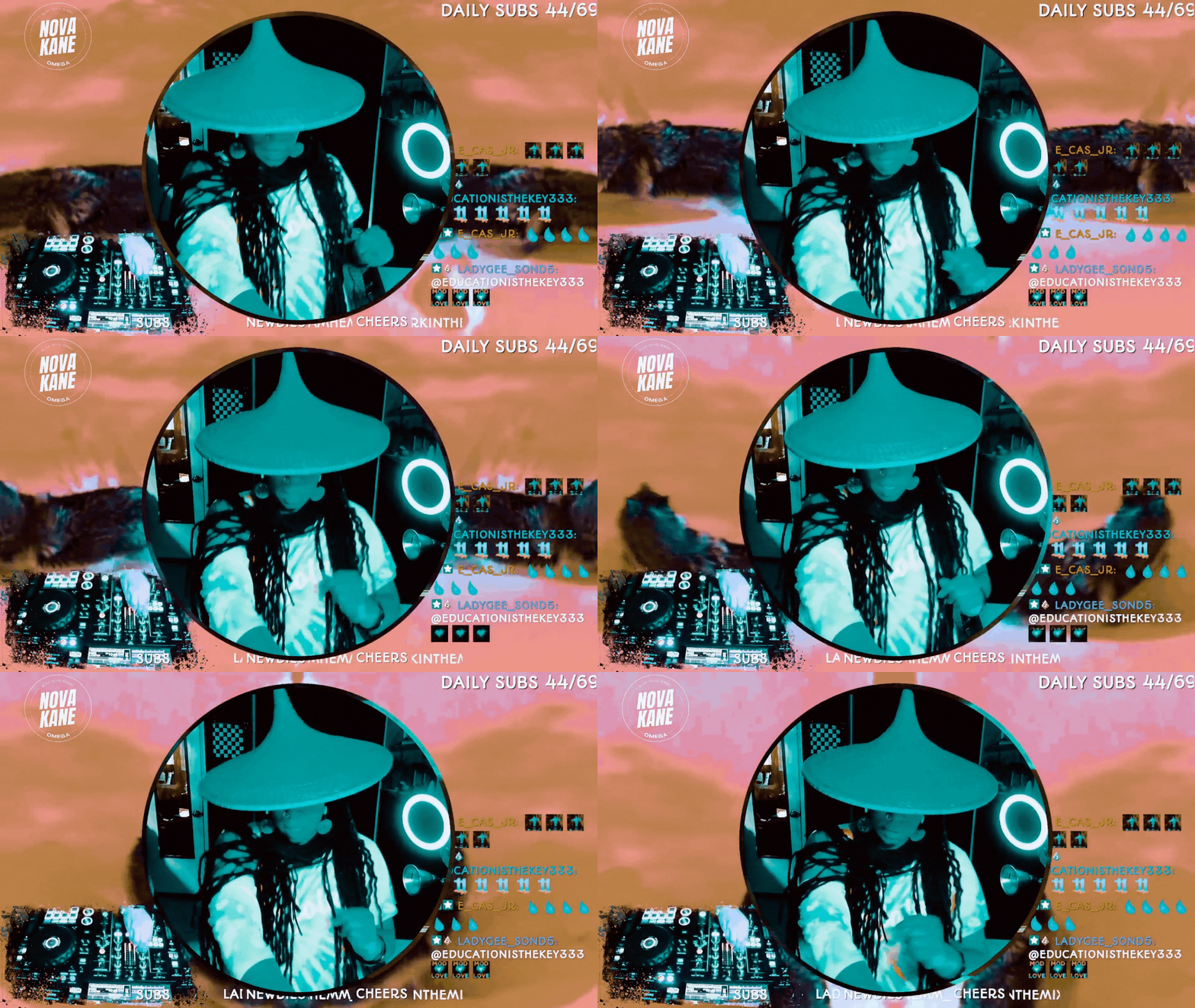
How to Do Image Masking in OBS (Step-by-Step)
If you’ve ever seen a streamer with a perfectly rounded webcam, clean overlays, or graphics that snap neatly into custom shapes, you’ve already seen image masking in action.
And here’s the gag: it’s not complicated.
You don’t need Photoshop. You don’t need plugins.You don’t need to be “good at tech.”
You just need one PNG file and a minute inside OBS.
Teacher Nine
Jan 144 min read


Community Over Numbers: How to Build a Thriving Discord
In the world of online communities, “big” gets all the attention. Big member counts. Big launches. Big servers with thousands of names scrolling past. But big doesn’t mean healthy. Building a thriving Discord community is something else entirely. It’s quieter, more intentional, and far more powerful. Thriving communities feel alive. People recognize each other. Conversations continue across days instead of disappearing into the void. Members don’t just join. They belong.
Teacher Nine
Dec 29, 20253 min read


Twitch Guru: Enhance Your Stream with Automatic Video Shoutouts
Adding automatic video shoutouts with Twitch Guru’s tools can significantly boost your stream’s interactivity and entertainment value. By following the steps to set up the Shoutout Player and Video & Sound Overlay Maker, you create a seamless way to highlight other streamers or your viewers with engaging clips.
Teacher Nine
Dec 13, 20254 min read


OBS Keyboard Shortcuts: The Cheat Code for Faster Streaming
Pro streamers don’t click around mid-broadcast — they use shortcuts. When you’re live, every second counts. The last thing you want is to fumble through menus, drag sources around, or try to mute something while 200 people watch you struggle. That’s how accidents happen — awkward silences, missed cues, and “Bruh, she clicked the wrong scene again” moments.
OBS keyboard shortcuts (also called hotkeys) fix all of that.
Teacher Nine
Nov 15, 20254 min read


Studio Secrets: Getting the Most Out of Your Session
The studio isn’t just a room with a mic. It’s a place where we lay our souls bare. Where time stops, and what we create becomes immortal. Bob Marley, Malcolm X, Billie Holiday—they didn’t just perform; they left themselves behind in their recordings. These are echoes that survive, teaching, inspiring, haunting, and guiding long after the world moves on.
Every recording is literally a record—a timestamp. Like a photograph frozen in time. A vibration engraved into memory.
Teacher Nine
Oct 15, 20253 min read


Master Your Stream: How to Assign Hotkeys in OBS and Stream Like a Pro
Streaming isn’t just about gameplay, commentary, or being entertaining — it’s about control. And there’s nothing that screams “I’m a pro” like running OBS without touching your mouse. That’s the magic of hotkeys.
Hotkeys, or keyboard shortcuts, let you manage your stream instantly: start or stop recording, switch scenes, mute your mic, or trigger sources without fumbling through menus. If you’ve ever awkwardly clicked the wrong button mid-stream or yelled “wait, hang on!”
Teacher Nine
Oct 15, 20253 min read


How To Export Your OBS Scene Collections: Save Your Stream...(And Your SANITY!!!)
So when something goes wrong and your scenes vanish? Whew. You’re not just losing settings—you’re losing hours of creative work, layout tweaking, color matching, audio balancing, source layering, and that perfectly-timed stinger you finally nailed after fighting with it all night. Losing your scene collection feels like someone wiped your entire stream identity clean. Disrespectful.
But here’s the good news: OBS actually makes it ridiculously easy to protect yourself. All y
Teacher Nine
Oct 6, 20253 min read


How to Enable Voice Chat on Discord- Step-by-Step Guide: Desktop & Mobile Tutorial
Discord isn’t just some random app you downloaded and forgot about. This thing has grown into the ultimate hub for gamers, creators, hobbyists, and communities of all kinds. Text messages are cool, but let’s be honest—sometimes you just need to talk. That’s where Discord’s voice chat comes in. It lets you shoot the breeze with friends, strategize with your squad, or host a mini-meeting with your community—all in real time. No typing “LOL” 50 times, no awkward delays, just str
Teacher Nine
Oct 6, 20254 min read
bottom of page