How to Install the Aitum Vertical Plugin for OBS Studio (Complete Guide)

Updated: Oct 28
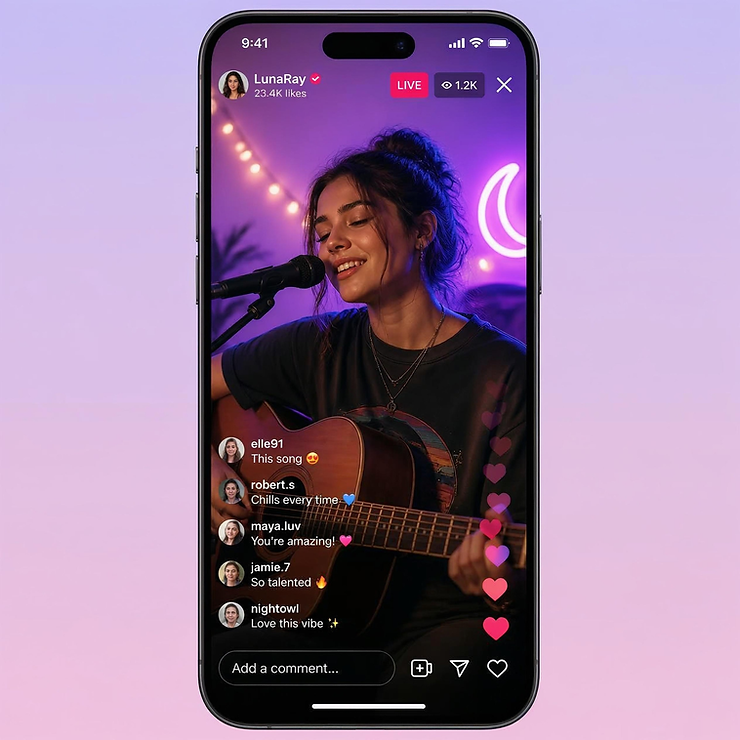
Vertical content isn't just another trend anymore. It's how millions of people consume livestreams every single day.
Whether your audience is watching on Twitch, TikTok, YouTube Shorts, Instagram Live, or another mobile-first platform, viewers increasingly expect creators to meet them where they are, and where they are is usually holding a phone.
For years, that created a frustrating problem for OBS users.
OBS Studio was built around a traditional 16:9 canvas. While there were clever workarounds for creating vertical streams, most of them required duplicate scenes, complicated transforms, multiple instances of OBS, or enough trial and error to make even experienced streamers question whether it was worth the effort.
Fortunately, that's changed.
As streaming platforms have embraced vertical video, plugin developers have stepped in with tools that make dual-format streaming dramatically easier. One of the best examples is the Aitum Vertical Plugin, which adds a dedicated vertical workspace directly inside OBS Studio without forcing you to completely rebuild your workflow.
Instead of treating vertical streaming like an afterthought, Aitum Vertical makes it feel like a natural extension of OBS itself.
After setting up my own dual-format workflow and rebuilding several scenes inside the plugin, I was pleasantly surprised by how intuitive the experience was. If you already know your way around OBS, the learning curve is refreshingly small. You're still adding sources, arranging layouts, and building scenes the same way you always have. The only difference is that you're now doing it inside a workspace designed specifically for mobile viewers.
In this guide, I'll show you exactly what the Aitum Vertical Plugin is, how to install it, how it works, and why it has quickly become one of the most useful OBS plugins available for creators who want to future-proof their livestreams.
What Is the Aitum Vertical Plugin for OBS Studio?
The Aitum Vertical Plugin is a free OBS Studio plugin that adds a dedicated 9:16 vertical canvas alongside your traditional 16:9 production canvas.
Instead of forcing you to crop, duplicate, or completely redesign your existing scenes every time you want to stream vertically, the plugin gives you a separate workspace that's optimized specifically for mobile-first platforms.
That means you can continue producing your normal horizontal stream while simultaneously building a version that's designed for viewers watching on their phones.
Unlike older workflows that often required multiple OBS instances or complicated scene collections, Aitum Vertical keeps everything inside one familiar interface.
You still work with scenes.
You still use sources.
You still use the same OBS workflow you've already learned.
The plugin simply gives those tools a second canvas that's designed for vertical content.
You can download the latest version directly from the official OBS Project plugin page:
You can also learn more about the plugin and future updates on Aitum's official website:
Why Are So Many Streamers Switching to Vertical Streaming?
The answer is simple.
People don't watch content the same way they did five years ago.
While desktop viewers are still important, mobile devices now account for a massive percentage of livestream consumption. Platforms like TikTok, Instagram, and YouTube Shorts have conditioned audiences to expect content that's designed for the way they naturally hold their phones.
Trying to squeeze a horizontal livestream into a vertical screen often leaves viewers looking at tiny gameplay windows, unreadable overlays, or large black bars that waste valuable screen space.
A dedicated vertical layout solves that problem.
Instead of shrinking your stream to fit a phone, you redesign it for the phone from the very beginning.
That's exactly what Aitum Vertical makes possible.

How Do You Install the Aitum Vertical Plugin?
Installing the plugin only takes a few minutes.
Visit the official OBS Project plugin page:https://obsproject.com/forum/resources/aitum-vertical.1715/
Download the latest version that's compatible with your operating system.
Close OBS Studio if it's currently running.
Run the installer and follow the installation prompts.
Restart OBS Studio.
Once OBS reopens, the plugin is installed and ready to use.
How Do You Use the Aitum Vertical Plugin?
After installing the plugin, you'll have access to a dedicated vertical workspace inside OBS.
From there, you can create vertical scenes, reposition your sources for a 9:16 layout, and customize your mobile presentation without affecting your primary horizontal production.
The workflow feels very familiar because you're still using the same scenes, sources, and editing tools that make OBS so popular.
If you're setting up Twitch's Dual Format Streaming or Enhanced Broadcasting, I recommend following my complete setup guide here:
That tutorial walks you through configuring OBS after the plugin has been installed.
Which Streaming Platforms Work with Aitum Vertical?
One of the biggest advantages of Aitum Vertical is that it isn't tied to a single platform.
Because it works inside OBS Studio, your vertical canvas can be used anywhere OBS supports vertical streaming, including Twitch, TikTok, YouTube, Instagram, and other RTMP-compatible services.
That means you only have to build your vertical layout once instead of creating separate workflows for every platform.
Tips for Getting the Best Results
A few small adjustments can make a big difference when designing for mobile viewers.
Keep your layout simple and uncluttered.
Use larger text that's easy to read on a phone.
Leave enough spacing between overlays and alerts.
Test your layout on an actual mobile device before going live.
Don't be afraid to create a different composition than your horizontal stream. What looks great on a desktop monitor doesn't always translate well to a vertical screen.
The goal isn't to copy your horizontal stream. It's to create the best possible viewing experience for someone holding a phone.
Frequently Asked Questions About the Aitum Vertical Plugin
Do I have to keep the Aitum Vertical dock open while I’m streaming?
No. The dock is just your workspace for building and editing your vertical scenes. Once your setup is complete, you can hide it and stream normally.
Does Aitum Vertical replace my regular OBS scenes?
No. Think of it as an additional workspace, not a replacement. Your normal horizontal scenes can continue working while you create separate vertical versions for mobile viewers.
Can I use my existing OBS overlays and alerts with Aitum Vertical?
Yes, but you may need to adjust their placement. A layout that looks great in 16:9 may feel cramped on a phone screen, so vertical streams usually benefit from simplified designs and larger elements.

Does Aitum Vertical use more computer resources?
Yes, creating an additional output can increase your system load because OBS is handling more than one format. However, most modern streaming PCs can handle it comfortably when scenes are optimized.
Can I switch between horizontal and vertical scenes while I’m live?
Yes. Your vertical and horizontal setups can be managed separately, allowing you to customize each viewing experience based on where your audience is watching.
Why don't my normal OBS keyboard shortcuts work in the vertical workspace?
Some OBS shortcuts may not behave the same way inside the Aitum Vertical workspace. If a shortcut doesn't work, use the right-click options on your sources or adjust the source manually.
Should my vertical stream look exactly like my horizontal stream?
Not necessarily. Vertical viewers are usually watching on smaller screens, so a simplified layout often creates a better experience. Focus on readability, important visuals, and keeping your content easy to follow.
Is Aitum Vertical only useful for Twitch?
No. While it works great with Twitch's vertical streaming features, the plugin can also help creators prepare vertical content for other platforms that support vertical video workflows.
Affiliate Disclosure: I may earn a commission from qualifying purchases.
If you've been putting off vertical streaming because it seemed too complicated, the Aitum Vertical Plugin removes much of that frustration.
Instead of relying on complicated workarounds, you can build a dedicated vertical production directly inside OBS using tools that already feel familiar.
Whether you're streaming on Twitch today or expanding to TikTok, YouTube, or Instagram tomorrow, Aitum Vertical makes creating mobile-friendly livestreams faster, easier, and far more intuitive than it used to be.
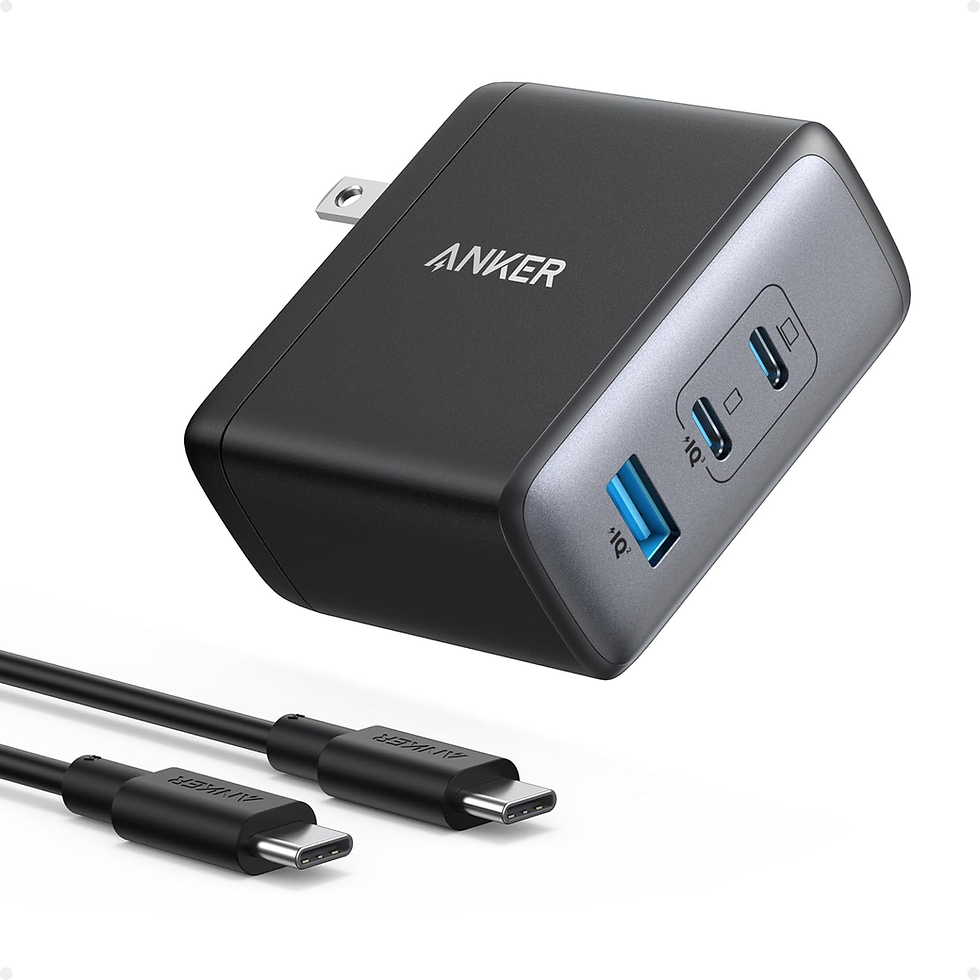
Need one charger that can handle more than just your phone? The Anker 100W USB-C Charger delivers high-speed charging for compatible laptops, tablets, and phones, making it a handy option for creators who want fewer chargers cluttering up their workspace or travel bag.
A compact way to keep your everyday devices powered with one charger.
Affiliate Disclosure: I may earn a commission from qualifying purchases.


Comments